
Floor Stands vs Tabletop Stands: Choosing iPad Mounts for Events
The right iPad stand shapes how your check-in or kiosk feels. Here is how to choose between floor stands and tabletop stands for your event.
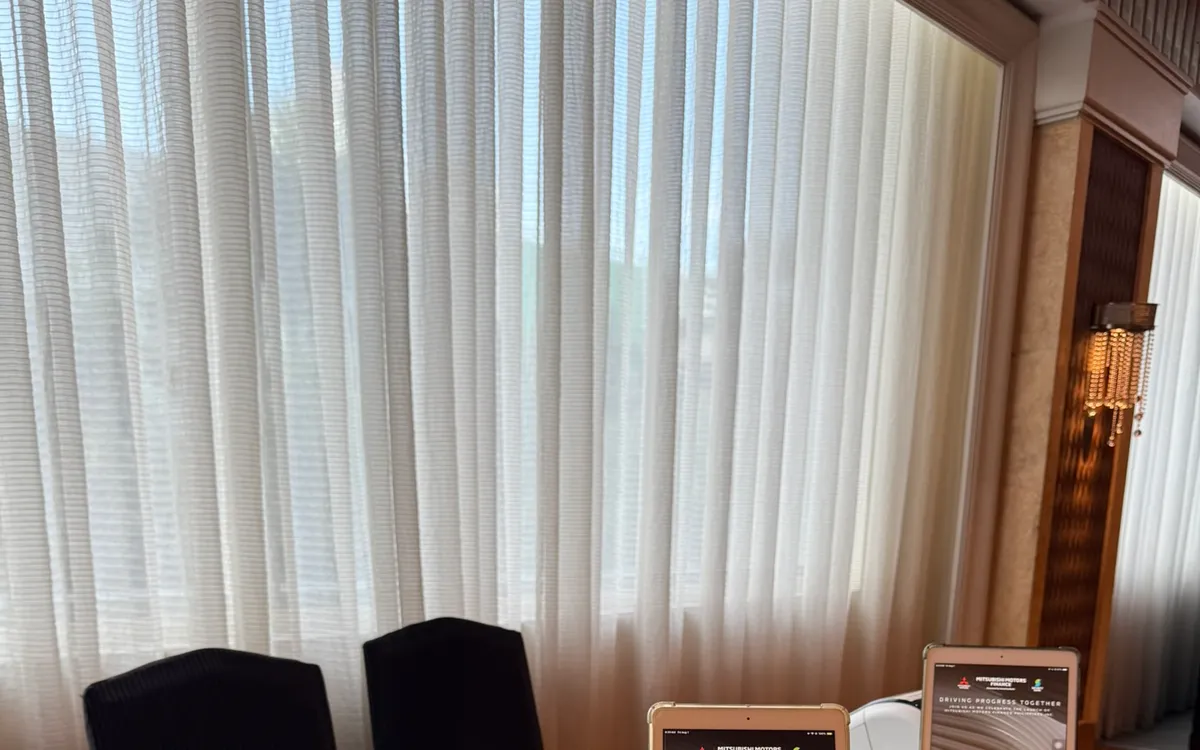
An iPad doing real work at an event — checking guests in, running a kiosk, capturing leads — needs a stand. A device lying flat on a table is awkward to use, looks unpolished, and slides around. The right stand makes the iPad stable, comfortable to use, and professional-looking. The question is which kind: a full-height floor stand or a compact tabletop stand.
Both have their place. Here is how to choose.
What Floor Stands Do Well
A floor stand holds the iPad at eye level on a freestanding pole, with no table required. This makes them ideal for a few specific situations:
- Open floor spaces. At an event entrance, in a lobby, or in an open expo hall where there is no desk, a floor stand creates a check-in or information point out of thin air.
- Self-service kiosks. For guests checking themselves in, a floor stand at the right height is approachable and natural to use while standing.
- A polished, prominent look. Floor stands give an event a sleek, professional appearance. A row of them at an entrance reads as organized and modern.
- Wayfinding and signage. An iPad on a floor stand can double as a digital sign or directory, placed exactly where guests need direction.
The trade-off is footprint: floor stands take up floor space and are more of a commitment to position than a tabletop unit.
What Tabletop Stands Do Well
A tabletop stand is a compact mount that sits on a desk or counter, holding the iPad at a comfortable angle. They suit different scenarios:
- Staffed registration desks. When your team is checking guests in from behind a table, a tabletop stand keeps each iPad angled toward the staff member, stable and easy to use.
- Counter setups. At a booth, a bar, or an info counter, tabletop stands fit naturally into the existing furniture.
- Space-constrained areas. Where floor space is tight, a tabletop stand adds no footprint beyond the table it already sits on.
- Lead capture at booths. Compact and unobtrusive, they let staff or prospects interact with the iPad without dominating the booth.
The trade-off is that they need a surface to sit on — no table, no tabletop stand.
Matching the Stand to the Setup
The choice usually follows from your physical setup:
- Checking guests in from behind a desk? Tabletop stands.
- Creating a check-in or kiosk point in open space? Floor stands.
- Running self-service where guests approach and stand? Floor stands.
- Fitting into an existing booth or counter? Tabletop stands.
Many events use both — floor stands for self-service kiosks and entrance points, tabletop stands for the staffed desk. There is no need to pick just one.
Consider the Guest's Posture
A subtle but important factor is whether guests will be standing or whether staff will be seated. Floor stands suit standing interactions — a guest walking up to a kiosk. Tabletop stands suit a seated or desk-based interaction where the staff member controls the device. Matching the stand to the posture makes the whole interaction feel natural.
Do Not Overlook Stability and Cables
Whatever you choose, stability matters. A wobbly stand is frustrating and looks cheap. Good stands hold the iPad securely, resist knocks, and keep the device from sliding. Cable management is worth thinking about too — a stand that hides charging cables looks far tidier than one with wires dangling, especially for all-day events where devices need power.
Think About Setup and Pack-Down
The practical realities of setting up and packing down often decide which stand suits a given event. Floor stands are freestanding and take a little longer to position and stabilize, but they need no furniture and can be placed anywhere. Tabletop stands are quick to deploy but depend on having the right tables in the right places. If your venue access window is tight — common during busy seasons — the speed and simplicity of your chosen stands matter more than usual. Factor the setup time into your plan, not just the in-use experience.
Consider portability and storage during the event, too. Stands that fold or break down are easier to transport and to store if you need to clear them partway through. For a multi-part event where the registration area is repurposed later, stands that move and store easily save real hassle. And for events across multiple rooms or points, lightweight, portable stands let you reposition quickly as the day evolves.
Do not overlook security. Stands and the devices on them are valuable, and an event is a busy, public environment. Position stands where they are supervised, consider how devices are secured to their mounts, and have a plan for the devices during any unattended stretches. A good stand holds the device securely enough to deter a casual grab, but supervision and a clear plan matter more than the mount alone. Thinking through setup, pack-down, portability, and security before the event — not on the day — means the stands serve you smoothly from load-in to load-out. These logistics are easy to overlook when choosing between stand types, but they often make the difference between a setup that goes smoothly and one that fights you at the least convenient moments.
The simplest way to get the choice right is to picture the actual scene: where the device sits, who uses it, whether they stand or sit, and what surrounds it. That picture usually points straight to the right stand. And because most events have several distinct scenes — a staffed desk here, a self-service point there, a signage spot by the entrance — the answer is often a mix. Match each stand to its scene, and the whole setup feels considered and works smoothly.
The Right Mount Finishes the Setup
The iPad does the work, but the stand determines how that work feels — stable or wobbly, professional or improvised, comfortable or awkward. Choose floor stands for open spaces and self-service, tabletop stands for staffed desks and counters, and mix them freely as your layout demands.
If you are planning an event in Metro Manila, we offer both floor and tabletop iPad stands alongside the devices and printers, and we can advise on the right mix for your setup. Delivered and installed by our team.
Planning an event?
We deliver and set up iPads, printers, and registration tech across Metro Manila.
Request a quote